Raypak

Above Ground 106A/156A

Gas Heater

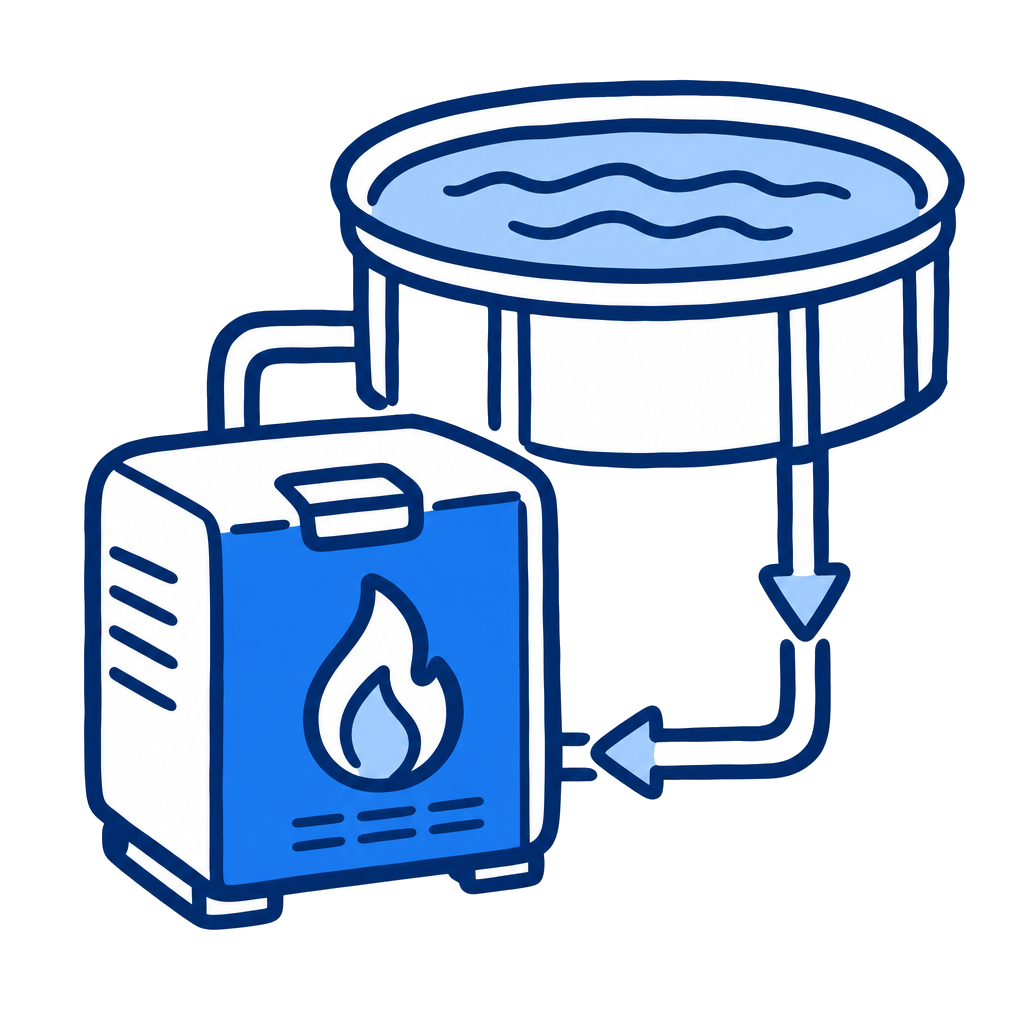
Manual-backed spec and service reference for Raypak 106A and 156A above-ground pool and spa gas heaters.
Raypak Above Ground 106A/156A
105,000 - 150,000 BTU/hr
BTU Range
Natural Gas or Propane
Gas Type
120/240 VAC
Voltage
70 GPM
Max Flow
20 GPM
Min Flow

Specifications

Heating
BTU Range105,000 - 150,000 BTU/hr
Gas TypeNatural Gas or Propane
Gas Inlet Connection1/2 in. NPT
Electrical
Voltage120/240 VAC
PhaseSingle phase
Frequency60 Hz
Current Draw4 A at 120 VAC / 2 A at 240 VAC
Performance
Min Flow (GPM)20 GPM
Max Flow (GPM)70 GPM
Physical
Plumbing Connection1-1/2 in. or 2 in. NPT
Certifications
CSA CertifiedYes

Pros & Cons

Pros

  • Manual covers the 106A and 156A above-ground heater family.
  • Manual includes gas supply, water-flow, diagnostics, wiring, troubleshooting, and parts sections.
  • Published water-flow range is 20-70 GPM.

Watchouts

  • Use an auxiliary bypass when flow exceeds 70 GPM.
  • Confirm natural gas vs propane configuration before service.
  • The heater includes combustion and electrical hazards that require qualified service.

Error Codes & Troubleshooting

Sensor Failure / Sensor Open / Sensor Short
Temperature sensor out of range. Inspect thermistor, wires, and connector at Terminal P1. Check resistance against chart values. Replace thermistor if not within 10%; if okay, replace the circuit board.
Water Sw Open
Water flow or pressure switch issue. Verify water flow and pressure, and clean the filter/strainer before replacing the switch.
Hi Limit 1 Fault / Hi Limit 2 Fault
High limit switch open. Verify water flow and inspect the internal thermostat and bypass valve. ASME units are manual-reset — press MODE to reset.
Ignition Lockout
Pilot flame not established, or lost during trial for main burner. Check power at the pilot valve, check for spark, and verify pilot orifice and igniter clearance.
Ignition Failure
Gas supply or valve operation issue. Verify gas is reaching the heater and confirm valve operation.
Vent/Field Sw #1
Vent switch open. Check connections to the board; if an extractor is installed, troubleshoot the extractor.

Related Models

Related Articles

Track This Equipment on Customer Accounts

Log equipment details, service history, and warranty info for every customer with PoolDial.

Start Free Trial