Before and After Image Maker
Create professional before and after images for social media in seconds.
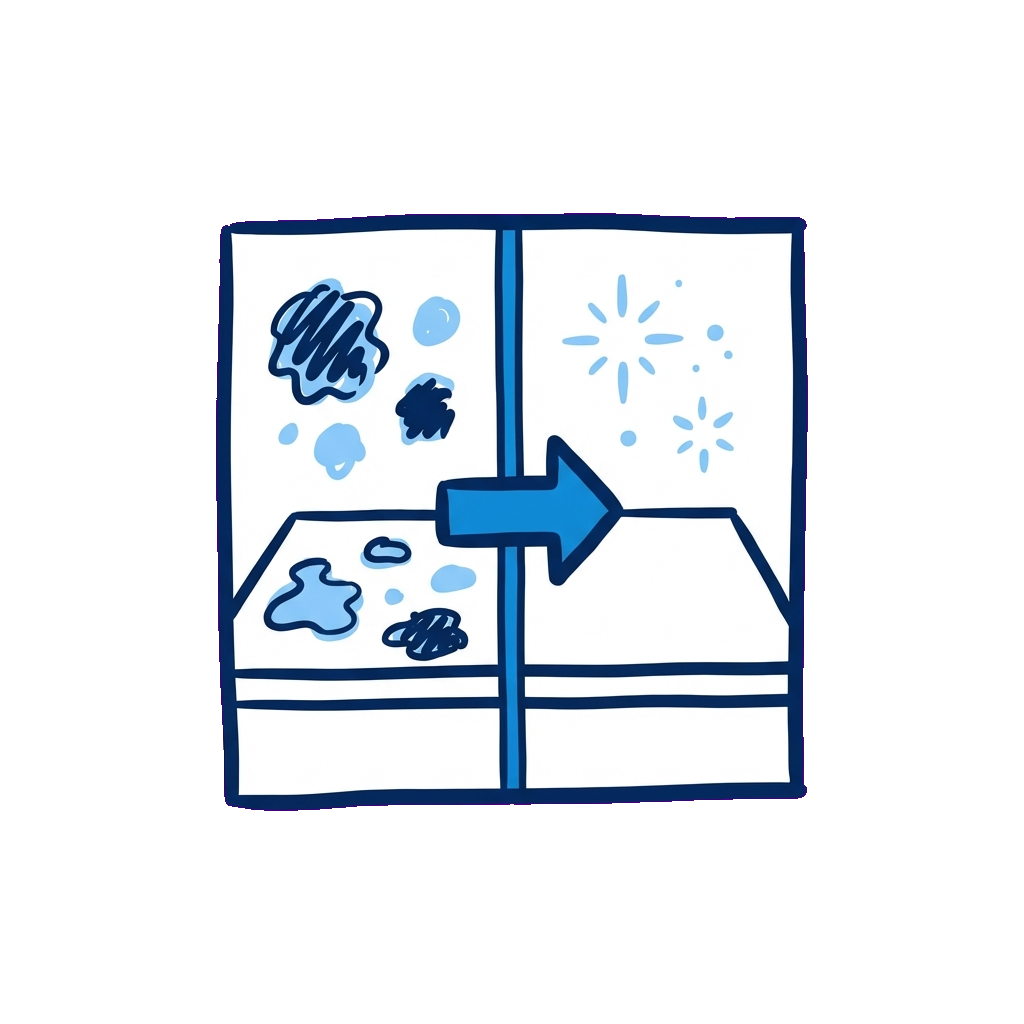
Upload your before and after photos to create a stunning side-by-side comparison for your customers.
Create Your Image
BEFORE
Click or drag to upload
JPG or PNG • Max 10MB
AFTER
Click or drag to upload
JPG or PNG • Max 10MB
Powered By

How to Make Before and After Pictures
Follow these simple steps to create your own images using PoolDial's free before and after image maker:
- Click inside or drag your photos into the "Before" and "After" areas to select your images from your phone or computer. For best results, use portrait or vertically cropped images.
- Click "Save Image" to download your before and after picture to your device.
- Click "Reset" to clear the template and make another image.
What are the Benefits of Using a Before and After Image Maker?
Before and after images come with a ton of benefits for your pool service business. Use them to:
- Showcase your skills and the effectiveness of your pool cleaning, repair, and maintenance services by using before and after images on your marketing materials.
- Build trust with potential clients by showing them why they should invest in your services with real examples.
- Provide a visual record of completed work to existing clients. Attach these images to your client file and share them on your invoices as proof a job was done.
- Improve your customer satisfaction by showcasing satisfied clients and demonstrating that their happiness is a priority.
- Stand out from the competition by demonstrating your work through before and after photos.
- Provide examples of your service offerings to clients who want to see what you can do before they commit.
How to Use Before and After Photos
Posting a before and after photo to your Instagram story isn't the only way to use them. These are the best ways to share before and after photos:
- Social Media: Posts on Facebook, Instagram, Twitter (X), and LinkedIn to showcase your work.
- Website Gallery: Create a portfolio page on your business website featuring your best transformations.
- Marketing Materials: Use in flyers, door hangers, postcards, and email campaigns.
- Business Listings: Add to your Google Business Profile, Yelp, Thumbtack, and other lead generation platforms.
- Client Presentations: Show during sales calls and estimates to demonstrate your capabilities.
- Reviews & Testimonials: Pair with customer testimonials for maximum impact.
Pro Tip:
Keep some before and after images on hand when you talk to new clients so you can show them work that you've done in the past. Not only is this a great way to demonstrate what you can do, it also gives them confidence in your abilities, boosting your chances of winning the job.
Tips for Great Before & After Images
- Same angle and distance: Take photos from the same position for consistency and maximum impact.
- Good lighting: Natural daylight works best. Avoid harsh shadows or overexposure.
- Show the full area: Capture the complete pool area to show the full transformation.
- Clean the "after": Make sure the pool area looks its best before taking the final photo.
- Vertical orientation: Portrait-oriented photos work best for social media, especially Instagram.
- Document dramatic changes: Green-to-blue water transformations, algae removal, and equipment upgrades make the most compelling content.
- Take photos immediately: Capture the before state right when you arrive, and the after right when you finish.